Data Deletion Guidelines
Last updated on September 16th, 2026
For Bahasa Indonesia version, please visit https://blog.spun.global/id/panduan-penghapusan-data
We want you to have full control over your data on SPUN. This guide walks you through the two ways you can remove your data from your account, and how to do each one, step by step.
A. What You Can Remove
There are two types of data you can remove from SPUN:
Documents — any files or information you've submitted for a visa or permit application (e.g. passport scans, addresses, phone numbers).
Your account — your entire SPUN account, along with all data tied to it.
B. Removing Your Documents
You can remove documents one at a time, for any applicant saved under your account.
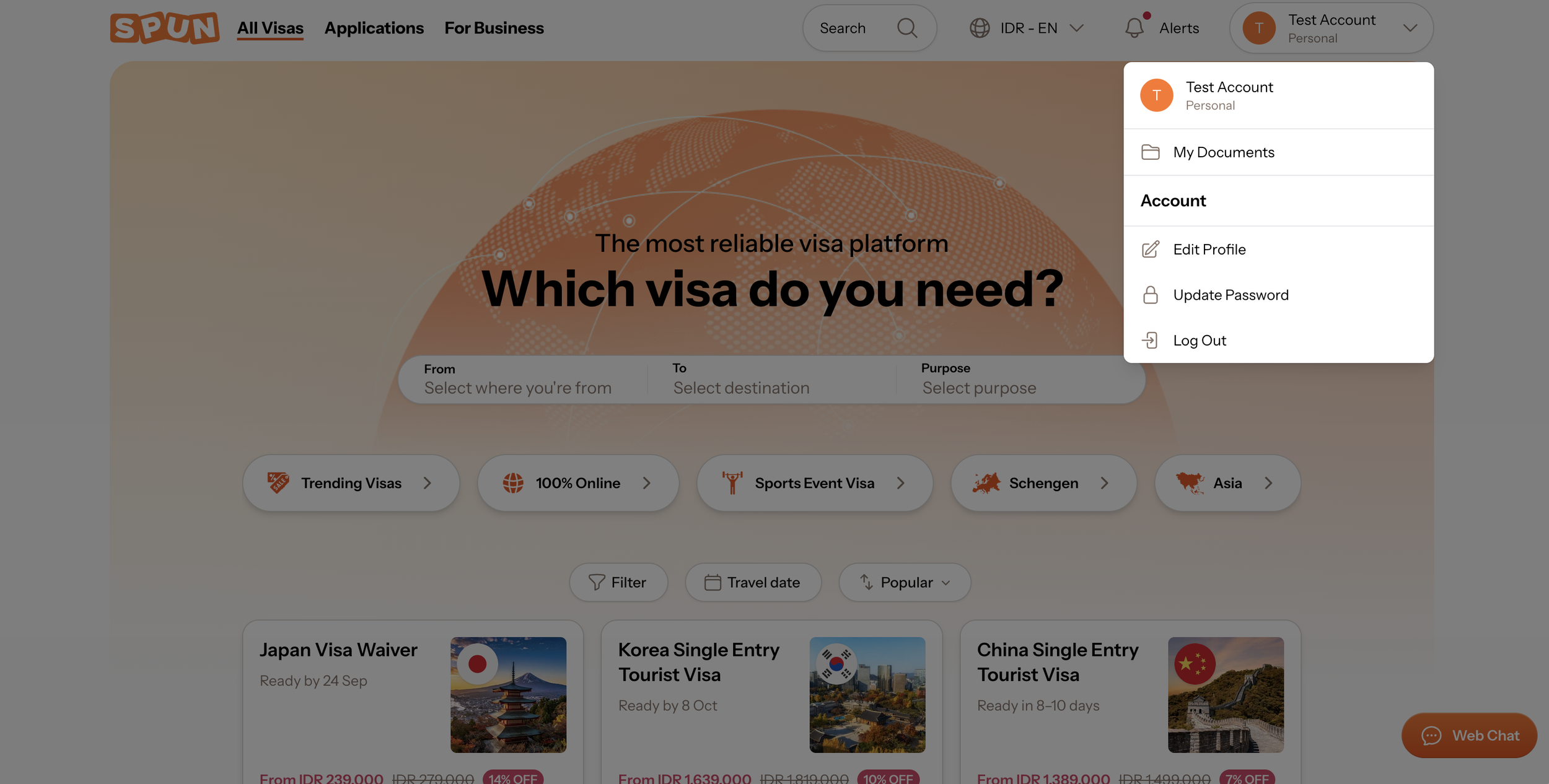
Open the menu in the top right corner, next to your name. Click My Documents.
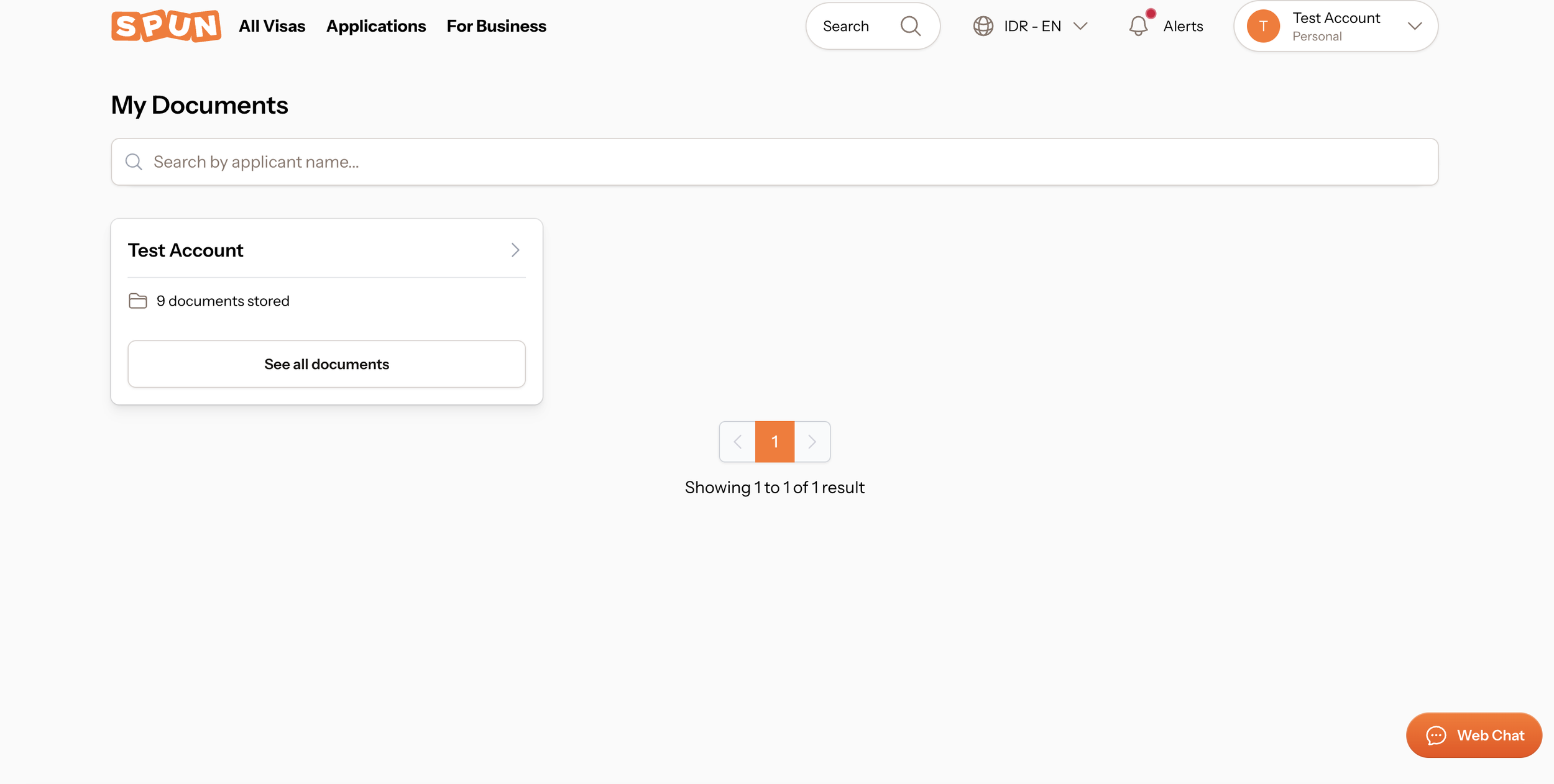
Pick the applicant whose documents you want to manage.
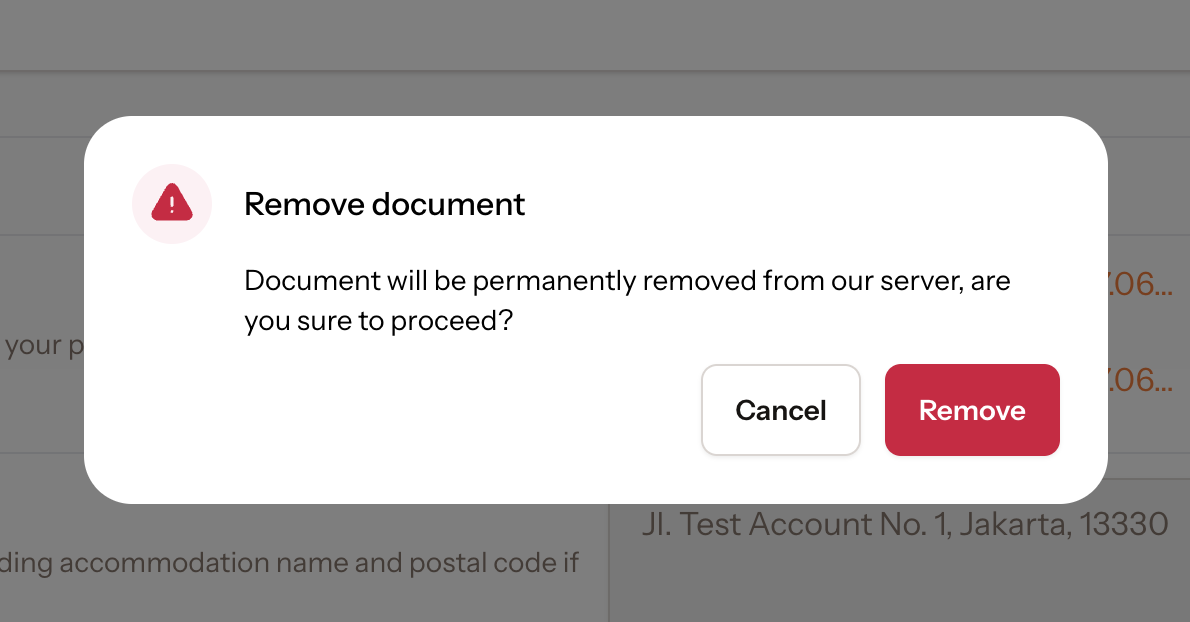
Click the delete icon (for uploaded files) or the Remove button (for saved information) next to the document.
C. Deleting All Your Documents at Once
If you'd like to delete all your documents in one go, without deleting your account, email us at contact@spun.global with the subject line:
Request to delete all data - [Your Name]
Our team will follow up on your request and ask for your consent before proceeding.
D. Deleting Your Account
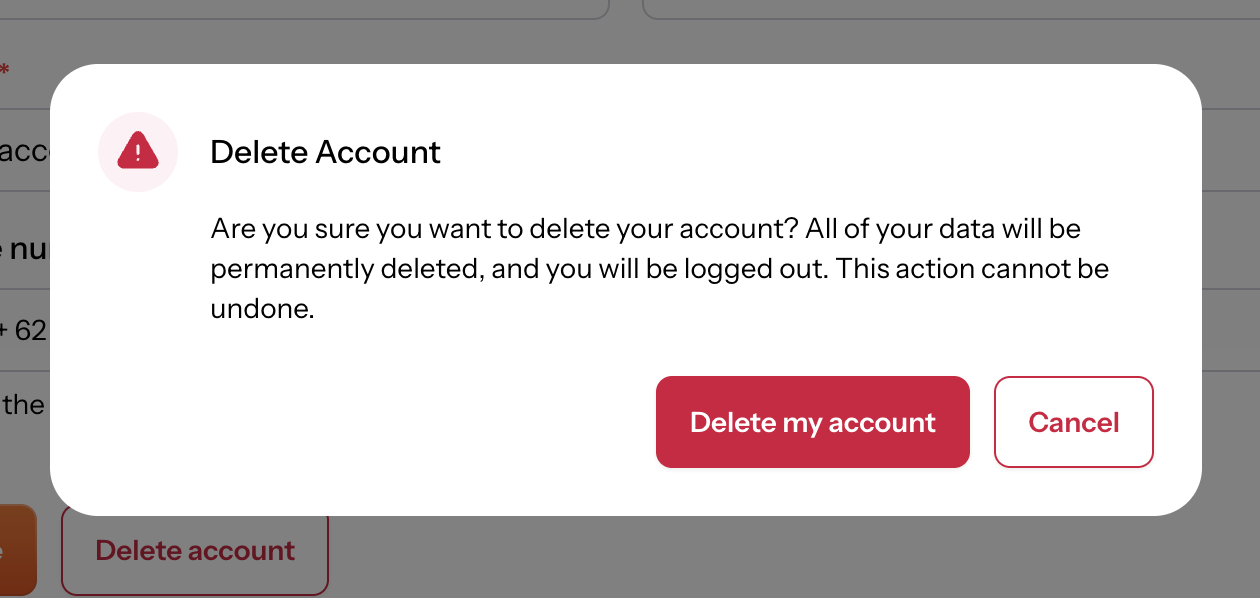
This is permanent. Deleting your account removes all of your data and logs you out immediately. This action cannot be undone.
Open the menu in the top right corner, next to your name. Click Edit Profile.
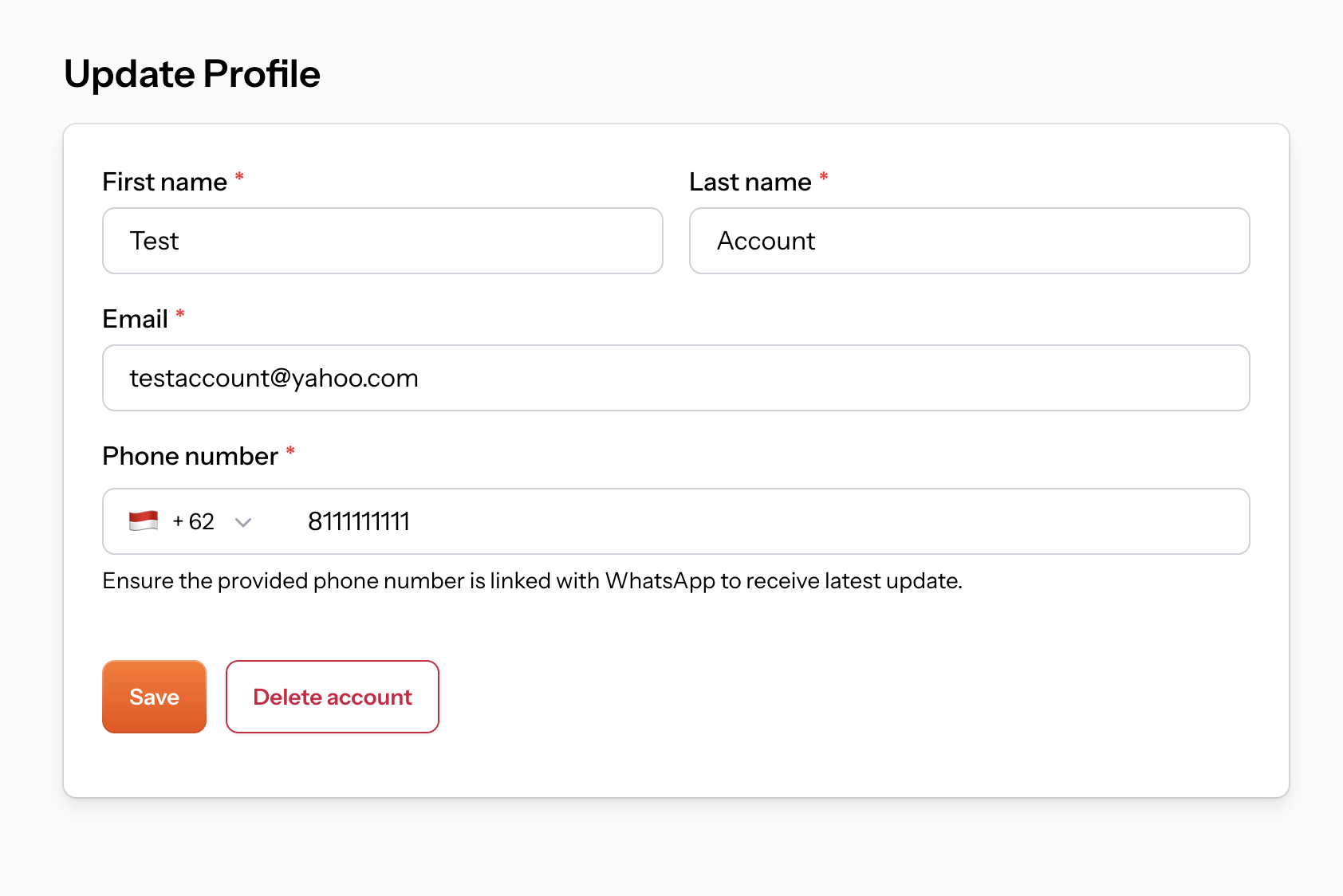
Click Delete account, then confirm by clicking Delete my account in the pop-up.